Quick Desk Guide: Day Rate Vs Flat Project Fee Video Editing Contract Template Math
Compare day rates and flat fees using billable utilization, gross-margin targets, revision caps, delivery hours, and practical contract clauses.
With a day rate, the client buys reserved capacity; with a flat fee, the client buys a specified outcome. Late footage, contradictory feedback, and added deliverables therefore raise the same commercial question: which party pays for the additional hours?
What are the verified benchmarks for day rate vs flat project fee video editing contract template math?
Set these benchmarks beside internal job costing before applying either pricing model.
| Benchmark | Reported figure | Scope |
|---|---|---|
| Freelance hourly rate | $55 to $120 ProductionHUB & Editorial Rate Survey, 2025 | Professional editors in North America and Western Europe |
| Billable editor utilization | 65% to 75% Promethean Agency Operations Benchmark, 2025 | Boutique agency target, with nonbillable time reserved for operational work |
| Gross delivery margin | 55% to 65% Agency Analytics & Post-House Benchmarks, 2025 | Productized short-form and YouTube retainers, before overhead and sales |
| Structured review | 2.4 rounds Frame.io Workflow Study, 2025 | Reported median with timecode-pinned review links |
Each citation leads to a publisher page, and the quoted report extracts remain unverified. Before using any figure to support a quote, inspect its underlying study.
How do you calculate the two contract options?
Build the task budget first: allow 12 hours for editing, two hours for revisions, two for export and QC, plus two for ingest and administration. The delivery estimate totals 18 hours. Against an eight-hour working day, that workload extends into a third day, so state whether the agreement prorates a partial day or rounds it up.
To prepare a day-rate quote, multiply the agreed day rate by the number of reserved days and itemize approved expenses on separate lines. State both the daily hour allowance and the overtime rate. That capacity protection also depends on contractual terms for cancellations and schedule holds.
A flat fee should cover the full task budget, an allowance for uncertainty, and expenses tied to the project. Once delivery is complete, calculate:
- Effective hourly revenue: divide the project fee by the actual hours spent on delivery.
- Gross delivery margin: subtract direct delivery costs from the project fee, then divide the result by that fee.
Direct costs comprise owner editing labor valued at an internal cost rate, contractor payments, and expenses specific to the project. Overhead and sales expenditure stay outside the gross-margin calculation. Before the next quote, reconcile actual hours against the estimate.
Step-by-step Premiere Pro and DaVinci Resolve setup for the contract
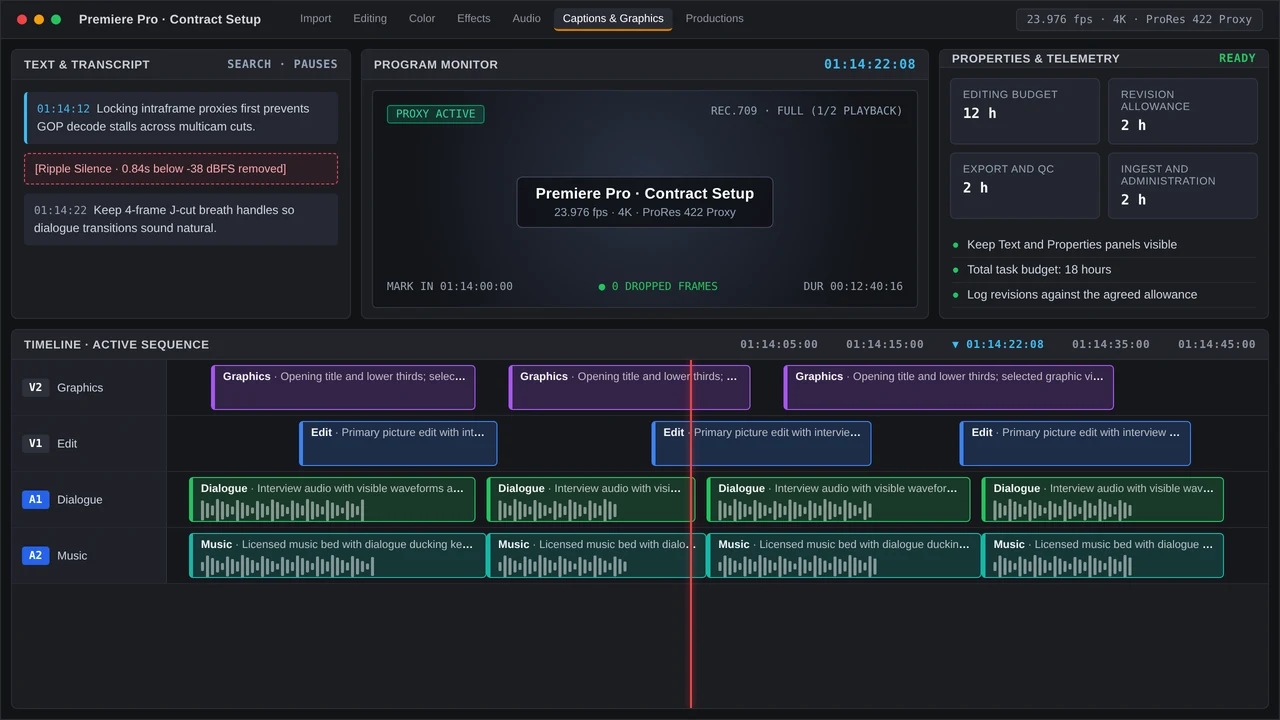
- Create the job record. Name the project by client and delivery, document the agreed scope, and log ingest, editing, revisions, exports, and QC as separate activities. Discrete time entries keep the flat fee auditable.
- Set up Premiere Pro 25 or 26. Build a sequence to the agreed delivery specifications. Handle transcription and captions in the Text panel, selected graphics in the contextual Properties panel, and approved templates in the Graphics Templates panel.
- Set up DaVinci Resolve 19 or 20. Set the project and timeline to the agreed settings. In Studio, transcribe source clips where useful; handle audio in Fairlight and complete the specified export on the Deliver page.
- Prepare review. Export a review copy carrying visible timecode, or supply a timecode-pinned review link. For every round, require one consolidated feedback list with numbered items.
Common timeline bottlenecks and QC checks when handling the contract
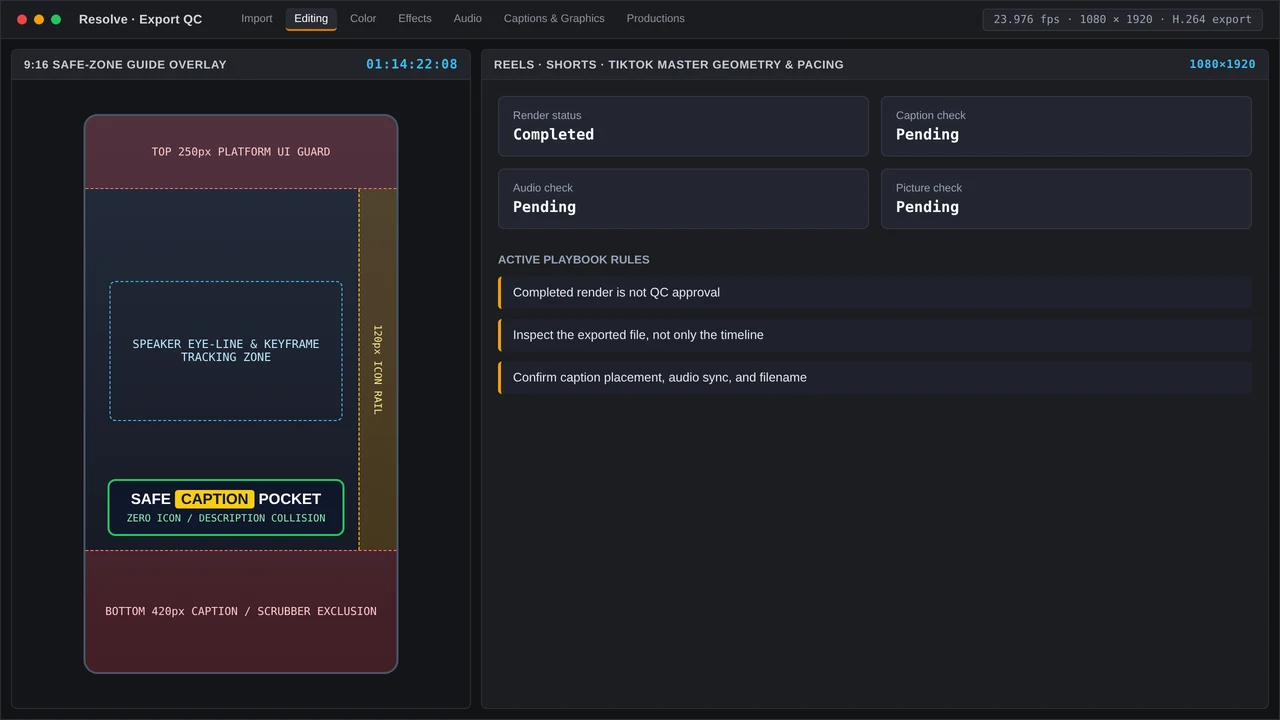
A flat-fee allowance drains quickly when media goes missing, frame rates vary, captions need correction, or stakeholders supply conflicting notes. Record every interruption, and identify scope changes before starting the extra work.
Play the entire exported file before delivery. Review its opening and end frames, match captions to speech, inspect graphic placement for safety, listen to audio transitions, and check each requested aspect ratio. Then verify filenames, codec, frame rate, and destination against the contract.
What should the contract template say?
Tailor the clauses below to each job, with counsel reviewing the agreement where appropriate:
Scope: Supply [number and format of files] using [specified source material].
Price: [Day rate and included hours, or flat fee and payment milestones].
Revisions: Allow two rounds of consolidated feedback; require a written change order for new concepts or additional rounds.
Schedule: Assets and feedback are due from the client by [dates]. Delivery may move when approvals arrive late.
Extras and rights: Specify overtime, expenses, cancellation terms, payment due dates, and the point at which usage rights transfer.
Before extra edit hours enter the schedule, log approval of the corresponding change order in the job record.
More in Billable Cut
Price rush editing with a scoped surcharge, billable utilization benchmarks, review caps, and weekend SLAs; protect margin with a practical QC plan.