How To Price Rush Fees And Weekend Turnarounds Video Editing
Price rush editing with a scoped surcharge, billable utilization benchmarks, review caps, and weekend SLAs; protect margin with a practical QC plan.
Priority handling and a compressed schedule are what a rush fee buys. A weekend fee covers work performed outside the service window already agreed. Both sit on top of the base editing price, and both belong in the quote before delivery.
Use separate quote lines for standard production, priority scheduling, out-of-hours coverage, and optional revisions. Specify the precise event that starts the delivery clock as well.
What are the verified benchmarks for pricing rush fees and weekend turnarounds?
Use benchmarks to stress-test a quote, with the figures serving as references rather than a universal rush premium. Agency benchmarks for utilization and margin give a solo editor operating reference points.
| Benchmark | Reported figure | How to use it |
|---|---|---|
| Freelance hourly rate | $55 to $120 [ProductionHUB & Editorial Rate Survey, 2025] | Reference range for editors in North America and Western Europe; set your own base rate. |
| Billable utilization | 65% to 75% [Promethean Agency Operations Benchmark, 2025] | Reserve capacity for work that cannot be billed as timeline editing. |
| Gross delivery margin | 55% to 65% [Agency Analytics & Post-House Benchmarks, 2025] | Compare retainer delivery economics before overhead and sales costs. |
| Structured review | Median of 2.4 rounds [Frame.io Workflow Study, 2025] | Use timecode-pinned comments to organize feedback; still specify a contractual cap. |
For polished YouTube video, the same hourly-rate survey puts post-production at 30 to 60 minutes [ProductionHUB & Editorial Rate Survey, 2025] for each finished minute. Estimate time separately when footage complexity is unknown.
How should editors calculate and quote a rush fee?
Set the normal price for the specified deliverables first. Then add an itemized rush charge covering displaced bookings, deadline risk, and the capacity required to hit that date. Give weekend work its own price whenever another service window is required.
As an illustration, bill a 12-minute block at $120 an hour: the base comes to $24. A 25% rush surcharge contributes $6 and takes that block to $30. That arithmetic covers one billable block; the quote still has to address the wider project scope and minimum booking, where applicable.
Before accepting the booking, work out gross delivery margin:
Gross delivery margin = (project revenue − direct delivery costs) ÷ project revenue
Direct delivery expenses include editing labor, subcontractors, and other costs specific to the project. Test the fee against all time actually reserved, from ingest and exports through review administration and QC. Where the client’s deadline pushes out another booking, account for that lost capacity on its own instead of classifying it as direct production cost.
The written quote should set out:
- Scope: specified runtime and deliverables, aspect ratios, condition of sources, captions, and graphics to be supplied.
- Review: included rounds, a single consolidated decision-maker, plus pricing or approval steps for extra rounds.
- Deadline: the first-cut and final-delivery dates, times, and time zones.
- Clock start: receipt of usable media and required assets, a locked brief, and written authorization.
- Client delay: the deadline consequences of late feedback or missing assets.
- Weekend coverage: the precise working window and any availability limits.
- Cancellation: the treatment of reserved time following postponement or withdrawal of the booking.
Make clear whether weekend pricing supersedes the rush premium or sits alongside it. Applying both charges without distinguishing the services they buy creates fertile ground for a dispute.
How should a retainer handle rush requests?
Review the retainer for weekend coverage or priority access already built in. Where coverage exists, spell out the included capacity and notice; otherwise, quote an add-on for approval. Log the work against remaining retainer capacity so urgent delivery cannot silently absorb time allocated to another deliverable.
Step-by-step Premiere Pro and DaVinci Resolve setup for rush editing
Configure the software to expose the booked turnaround and cut down avoidable handoffs. Editing still waits on a complete brief.
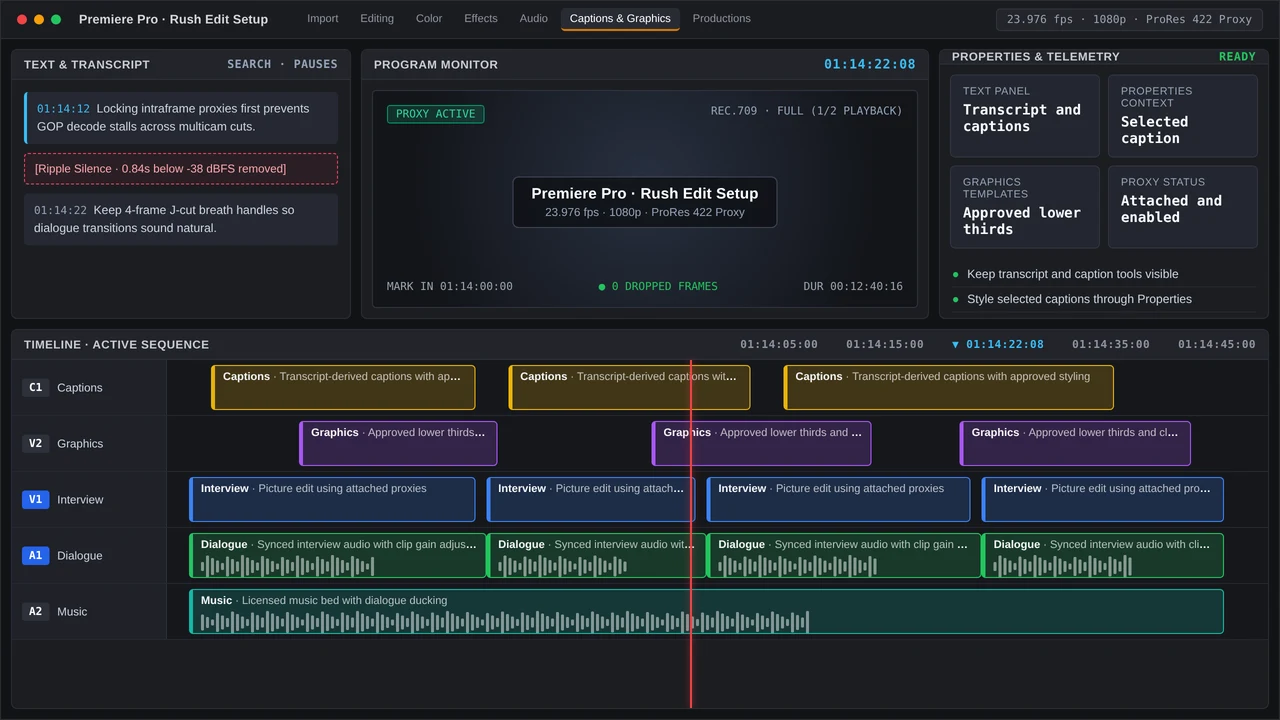
Premiere Pro
- Build the project and sequence to match the delivery specification, then sort exports, graphics, audio, and source footage into labeled bins.
- If playback struggles with demanding source media, generate proxies. Before cutting, verify that they are attached and playing correctly.
- Where dialogue drives the edit, generate a transcript in the Text panel. Check the source for names and technical terminology.
- Use the contextual Properties panel for titles, and look through supplied templates in the Graphics Templates panel.
- Export a copy for review and gather timecode-pinned comments. Sort the notes into corrections, revisions already included, and requests that need a new quote.
DaVinci Resolve
- Set up the project, delivery format, and timeline ahead of media imports. Use the Media Pool to organize clips.
- Generate proxy media when needed, then enable the proxy preference and test playback.
- Resolve Studio can transcribe relevant dialogue using Media Pool clips; verify that transcript against the recording.
- Cut on the timeline, move to the Color page for color work, and review dialogue plus the mix in Fairlight.
- Use the Deliver page to render a review file. Gather consolidated timecoded feedback, and record the version attached to every note.
What timeline bottlenecks and QC checks matter on a rush job?
Heavy effects, ambiguous feedback, missing assets, and mixed frame rates can eat into time reserved for delivery. Surface those risks during intake, and tell the client immediately when the material supplied requires repair instead of waiting for export.
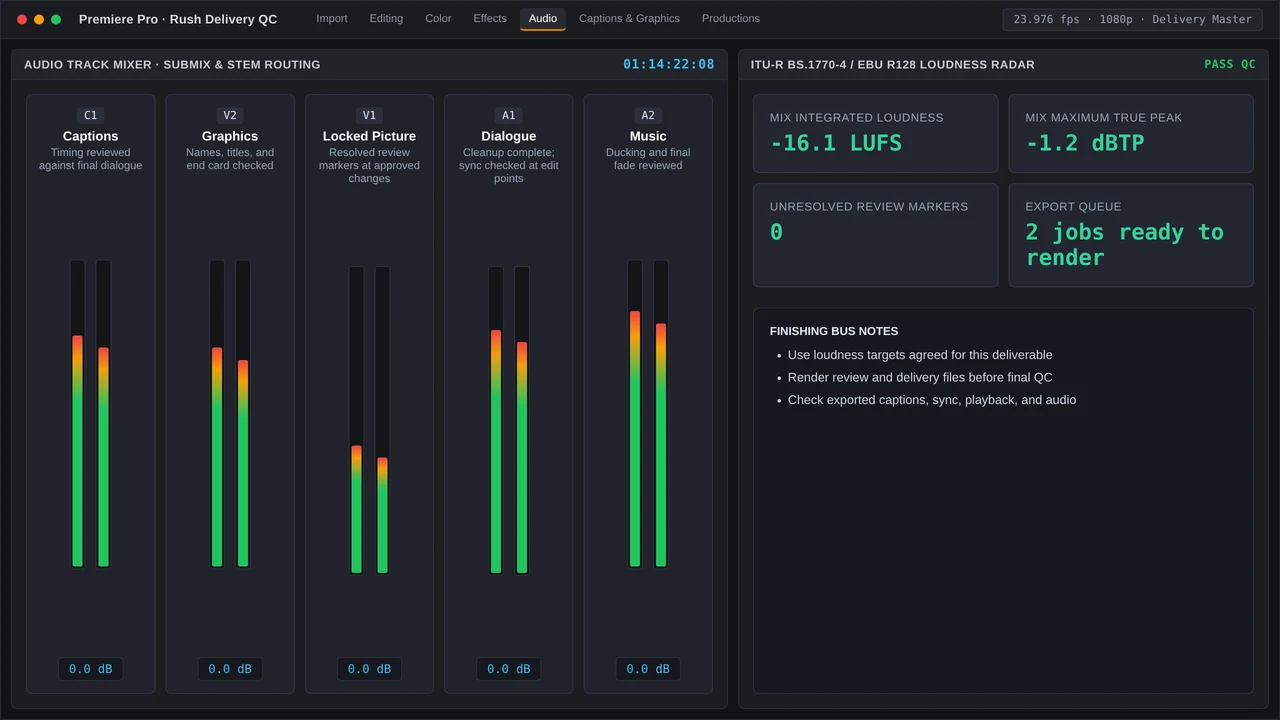
Run these checks before the final file goes out:
- Picture: opening and closing frames, flash frames, offline media, reframing, and graphics safe areas.
- Sound: dialogue intelligibility, abrupt audio cuts, music endings, channel layout, and the requested loudness specification.
- Text: names and general spelling, captions and their timing, plus text readability within each aspect ratio.
- Delivery: codec and resolution, filename and version, destination, and playback of the actual export.
- Approval: confirmation that the newest consolidated notes are addressed and that the client understands which items remain outside scope.
Provide the review link with a clear feedback cutoff, and raise any delay as soon as it appears.
More in Billable Cut
Compare day rates and flat fees using billable utilization, gross-margin targets, revision caps, delivery hours, and practical contract clauses.